


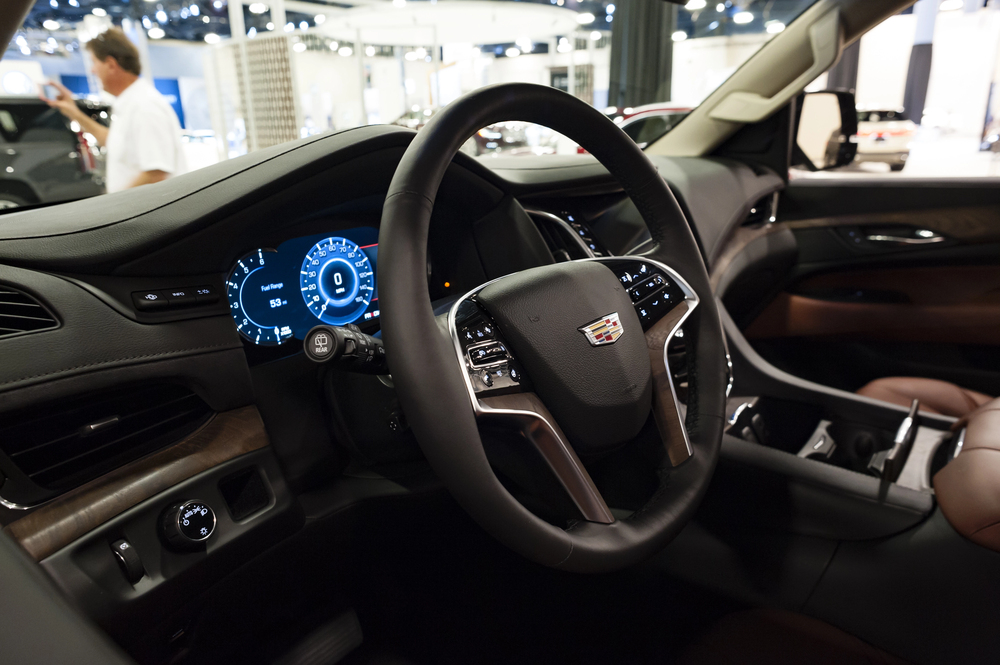
If you’re experiencing issues with your Cadillac’s CUE (Cadillac User Experience) system, resetting it may solve the problem. This system controls everything from navigation to entertainment and more, so it’s understandable if you’re having trouble getting it to work properly. If your CUE system is unresponsive or acting glitchy, learning how to reset Cadillac CUE is a useful skill. The process is simple, and we’re here to walk you through the steps.
Why Resetting Your Cadillac CUE Might Be Necessary
Sometimes, technology doesn’t behave as expected, and this can be frustrating when you’re on the road. If your Cadillac’s CUE system freezes, becomes unresponsive, or begins showing error messages, a reset might be just what it needs to get back to normal. Resetting the system can fix minor glitches, restore functionality, and improve overall performance. You can perform a reset at home, and the good news is, it doesn’t take much time.
Start Your Vehicle
Before diving into the reset process, make sure your vehicle is on. However, the engine doesn’t necessarily have to be running. Just turning the vehicle on will activate the CUE system. This step is important because the system needs power to reset properly.
Find the Power Button
The first step in resetting the Cadillac CUE system is locating the power button. The button is usually on the front of the infotainment screen. It’s located to the left of the touchscreen and looks like a small power icon. Press and hold this button for about 10 seconds.
This is the quickest and most straightforward method to reset the system. It’s often enough to fix most glitches, such as screen freezing or audio issues. After holding the power button, your screen will likely go blank for a second before the system restarts.
Wait for the System to Reboot
Once you’ve held the power button for 10 seconds, let go. The system should reboot itself, which will take a few moments. You’ll know the reset has worked when the Cadillac logo reappears on the screen. Once the system has rebooted, check to see if the issue is resolved. Your CUE system should now be functioning as normal.
Resetting from the Settings Menu
If the simple power button method doesn’t solve your issue, you may need to reset the system through the Settings menu. This is a more advanced step, but it’s still easy to do. Here’s how:
- Go to the Home Screen: On the CUE touchscreen, press the home button to access the main menu.
- Select Settings: From the home screen, tap on the ‘Settings’ option.
- Find the ‘System’ Option: Scroll through the menu and find the option labeled ‘System’ or ‘General Settings.’
- Reset the System: There should be a ‘Restore Factory Settings’ or ‘Reset’ option available in the system settings menu. Tap this option, and follow the on-screen prompts to complete the reset. This will restore the system to its original factory settings, wiping any saved preferences or customizations.
Test Your System Again
After performing the reset, take a few minutes to test out the different features of the CUE system. Make sure that your navigation, Bluetooth, media controls, and other apps are working properly. This is the best way to confirm that your reset was successful.
Additional Tips for Maintaining Your CUE System
While resetting your Cadillac CUE system can fix many issues, it’s always good to know how to maintain your system for optimal performance. Regular updates and proper use can prevent many of the issues that require a reset. Here are some simple tips for keeping your CUE system running smoothly:
- Update the Software: Cadillac frequently releases software updates for the CUE system. Make sure your system is up to date to prevent bugs and keep everything working smoothly.
- Avoid Overloading the System: Don’t overload the system with too many apps or connected devices at once. Keep it simple to reduce the chances of the system freezing.
- Keep the Touchscreen Clean: Dust and fingerprints on the touchscreen can interfere with the system’s sensitivity. Regularly clean the screen with a soft microfiber cloth to keep it responsive.
Need Help with Your Cadillac CUE System?
If you’re still having trouble after attempting the reset, Fairfield Cadillac is here to assist. Sometimes, the issue might be more complex than a simple reset can handle. Our expert technicians are trained to troubleshoot and fix any deeper issues with your Cadillac’s CUE system.
At Fairfield Cadillac, we are equipped with the latest tools to diagnose and repair issues. Our team can perform a more thorough check to identify the root cause of any malfunction. We are committed to getting you back on the road with a fully functioning CUE system.
As one of the top Cadillac car dealerships in Lewisburg, PA, our wide range of options include the Cadillac Escalade Premium Luxury, the Cadillac CT5 V-Series, and the Cadillac XT4 Premium Luxury.
If you are facing issues that a reset can’t fix, or are looking for your next Cadillac, don’t hesitate to contact us.
Connect with us